By hand
Put text, drawings, charts, equations and pictures on the board, and choose how each one appears. More than 400 ready drawings of people, places, everyday objects, vehicles, science and more.
Explain anything with an animated whiteboard video: a lesson, a product, a process or a story. Draw it by hand or ask the AI, add a natural voice in many languages, and download an MP4.
Free to start. For anyone, anywhere. No drawing or video skills needed.
English Start with an idea, draw it on the board, and share it as a video.
A whiteboard video holds attention, because people watch the idea being drawn as they hear it.
Explain a topic to a class, in an online course or on your own channel.
Show how your product or service works, for your website, a pitch or a sales call.
Walk staff or customers through a process, a safety rule or a new tool, step by step.
Short videos, tall for a phone or square, for TikTok, Instagram, YouTube Shorts and WhatsApp Status.
Share important information clearly, in the languages people actually speak.
Tell a story, present a plan, or turn a report into something people will watch.
All of them work on the same saved videos, so you can start one way and finish another.
Put text, drawings, charts, equations and pictures on the board, and choose how each one appears. More than 400 ready drawings of people, places, everyday objects, vehicles, science and more.
Say what you want to explain and who it is for, or add a document. The assistant plans the scenes, writes the words and the script, then checks every board itself.
Connect Claude or another AI app over MCP and make whole videos from a chat. Every video opens in the editor, ready to change by hand.
Comes with Pro
Add a song and choose the part you want. The hand writes the lyrics on the board as they are sung, in time with the music. Or add your own music under any video the assistant makes.
Start from an idea, for example “how our delivery service works, in one minute”.
Each scene draws itself in order. Move, resize or reword anything.
Make a natural voice from the script, or record your own.
An MP4 in 1080p, 720p or 480p: wide for a screen, tall for a phone, or square for a feed.
Each video has its own look: a whiteboard, a chalkboard or paper. Switch this page to Kiswahili to see the same boards in Kiswahili.
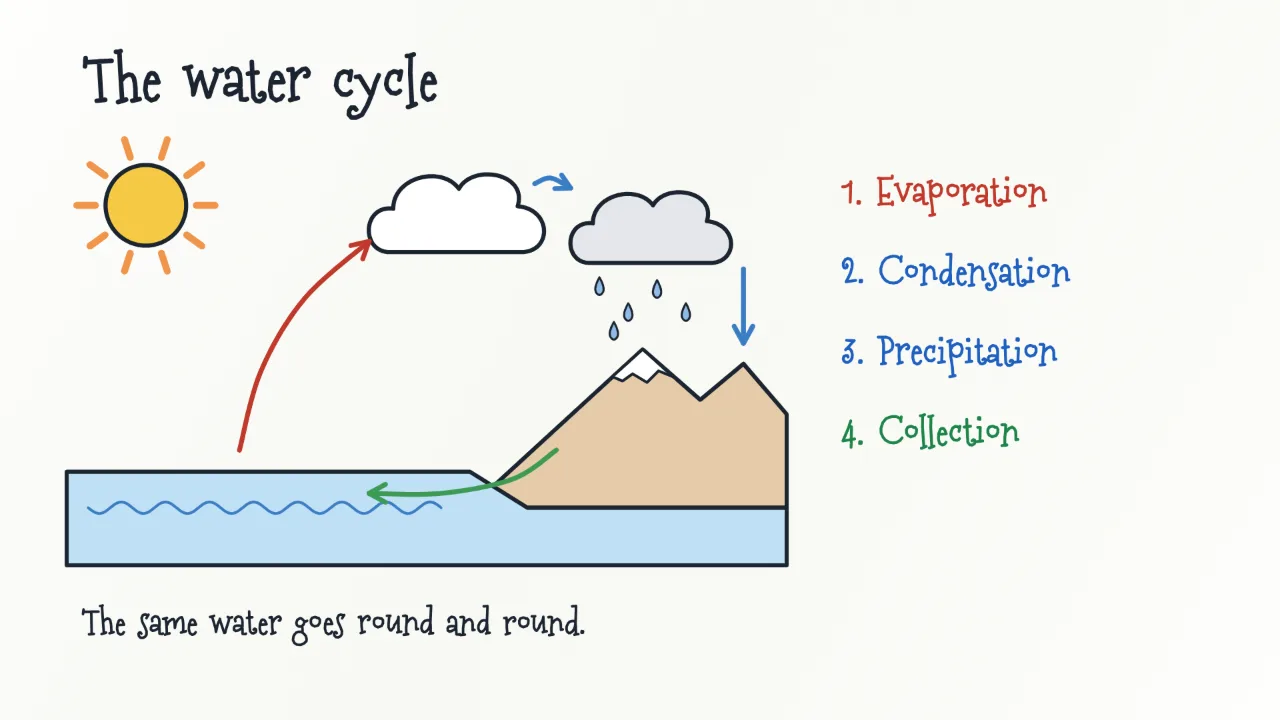
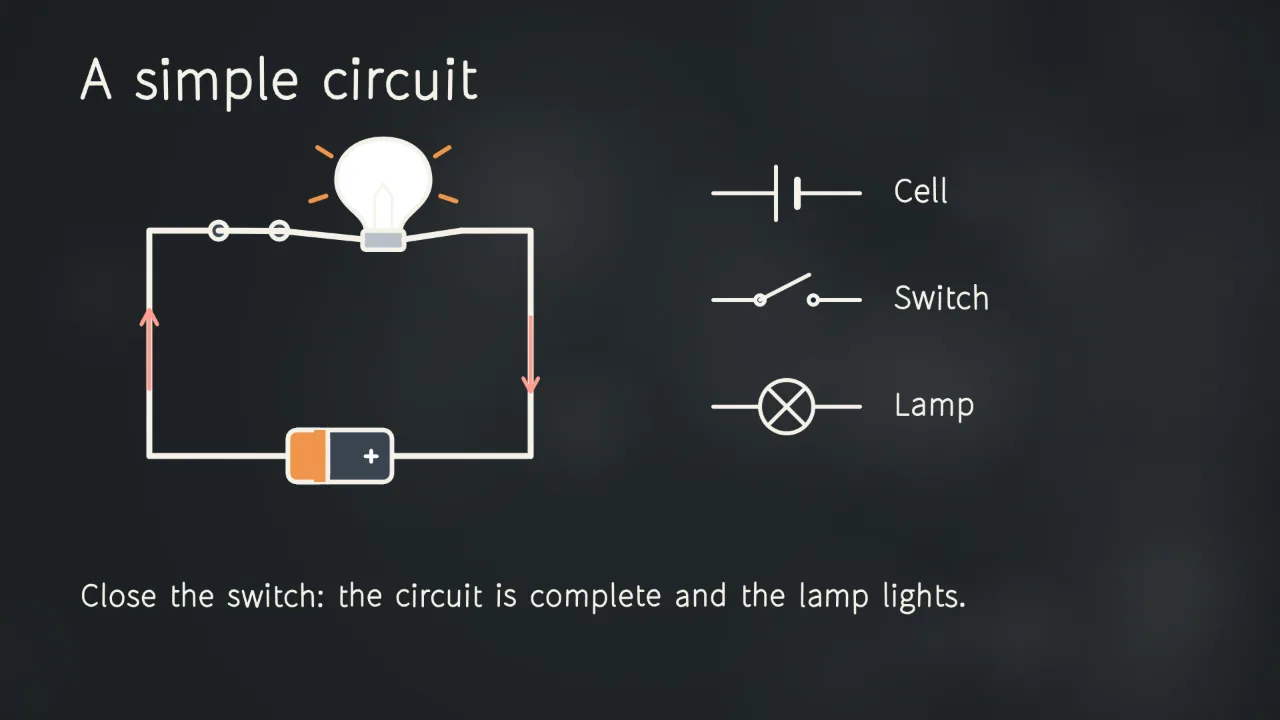
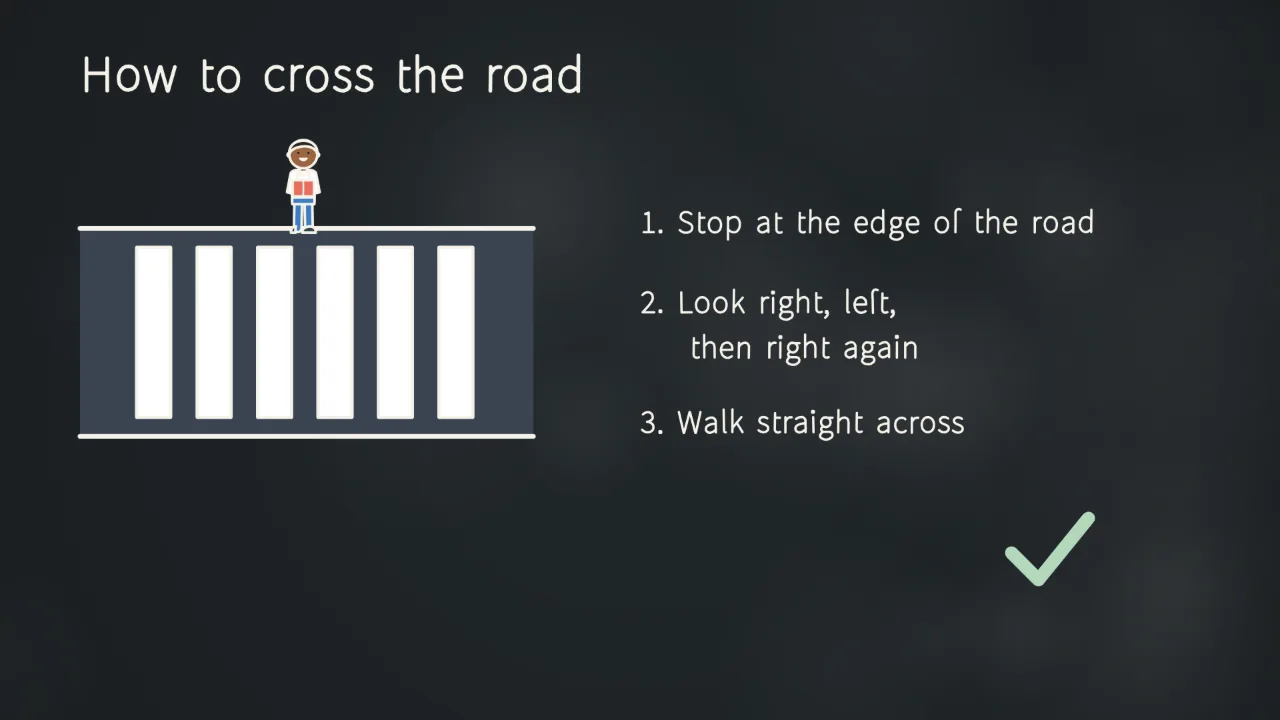
Write and voice videos in English, Kiswahili, French, Portuguese, Spanish, German and Chinese. One video can hold several languages, and you switch between them with one click.
Wide 16:9, tall 9:16, square, 4:5 or 4:3, so the same idea fits a screen, a phone or a feed.
They play everywhere: phones, projectors, websites, YouTube, WhatsApp and any learning or video platform.
Make and change videos on a phone or tablet, not only on a computer. There is nothing to install.
Making videos by hand is always free. The AI assistant and made voices use credits.
TZS 0
TZS 15,000 for 30 days
Make your free account, then choose Upgrade in the app.
TZS 5,000
One AI message uses 10 credits. One minute of made voice uses 10 credits. Recording your own voice is free.
For now, paid plans are paid by mobile money in Tanzania: M-Pesa, Mixx by Yas, Airtel Money, HaloPesa, AzamPesa
Anyone who explains things: teachers, trainers, businesses, creators, health workers, students and more. You do not need to draw or edit video.
Credits pay for the AI assistant and for made voices. One AI message uses 10 credits, and one minute of made voice uses 10. Everything else, including drawing by hand and downloading videos, does not use credits.
For now, by mobile money in Tanzania: M-Pesa, Mixx by Yas, Airtel Money, HaloPesa or AzamPesa. You confirm with your PIN on your phone. The free plan needs no payment at all, wherever you are.
No. Nothing is taken from your phone without you confirming it. When your 30 days end, you go back to the free plan until you pay again.
Your videos stay, and you can keep making them by hand. To use the AI or make voices again, buy a credit pack, upgrade to Pro, or wait for next month's free credits.
You do. Use them in class, at work, on social media or on your own website, and share or sell them.
No AI is. The assistant checks its own boards for layout, but you should still read every video before you publish it, as you would with anything you put your name to.
Yes. The editor works on phones and tablets as well as computers, in a web browser. There is nothing to install.
Yes. Add music under any video the assistant makes, or make a lyric video: the words are written on the board as they are sung. Use only music you own or have permission to use.